DarkTable
https://www.darktable.org/
darktable is an open source photography workflow application and raw developer. A virtual lighttable and darkroom for photographers. It manages your digital negatives in a database, lets you view them through a zoomable lighttable and enables you to develop raw images and enhance them.
Have a look at our current features and how to install it on your system. And if you're new to darktable, the FAQ will answer many of your questions.
Raw Therapee
https://rawtherapee.com/
RawTherapee is a powerful, cross-platform raw photo processing system, released as Free Software (GPLv3). It is designed for developing raw files from a broad range of digital cameras and targeted at users ranging from enthusiast newcomers who wish to broaden their understanding of how digital imaging works to professional photographers.
RawTherapee provides a powerful suite of tools for you to produce amazing photos and showcase your creativity.
RawTherapee benefits users who take the time to learn what it can do. Luckily the community is quite welcoming and helpful! Check out the Forum, read up on RawPedia, and ask questions - there's always something neat to learn!

, Free for a limited time. (hmmmm)
https://apps.apple.com/us/app/diffraction-image-editor/id1544476110?mt=12
https://www.schubert-it.com/diffraction/
Diffraction is a comprehensive image editor designed specifically for macOS and tailored to the needs and mindset of creative creators. Whether you’re a professional photographer or an enthusiastic hobbyist, Diffraction offers robust tools to enhance and create stunning images. With Diffraction, you can color correct and retouch your photos, make creative compositions with layers and masks, or create your own images from scratch using its powerful brush tools, which include dozens of realistic and fun brushes.
I abandoned Adobo long ago.
Secret sauce for most of my jpegs.
If there is sky background,
Use mac Preview.app
Ask "auto levels"
Turn down highlights a bit (darkens the sky)
Slide the "levels" mid-range control to get a bit more gamma in the mid-ranges.
Turn up shadows to where they look right (works well and compensates for the previous two)
And if they are a bit flat, slide the black point (left control) up a tiny bit.
Most come out great.
On extreme shadows, I go into GIMP, select the really dark part, and raise its brightness just enough to look real. Sometimes, this is hard. (to select)
Gimp has been useful for erasing power lines, even insects that show up on my beautiful flower shots AFTER I take the shot. (heal, airbrush and so on). That's where my amateur painting skills show up.
Gimp removed power lines from this scenic.
Coolpix P510 (It is my carry-everywhere camera) so old that no RAW images were made.
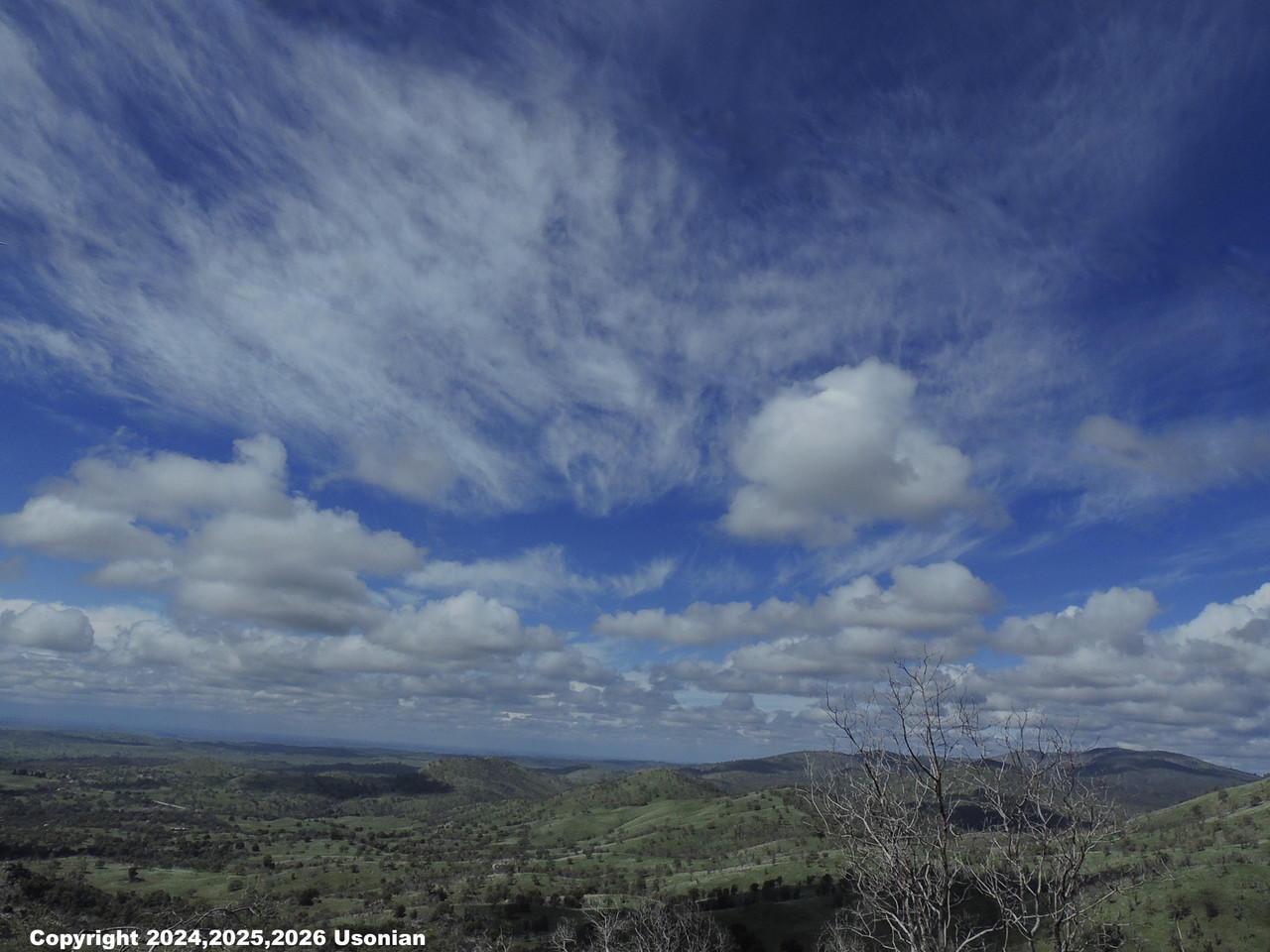
reduced to 1.5MB for posting.

 = new reply since forum marked as read